> ## Documentation Index
> Fetch the complete documentation index at: https://docs.uplink.build/llms.txt
> Use this file to discover all available pages before exploring further.
# Meet Uplink
> Mobile device automation for testing, AI agents, and browser control on real mobile devices
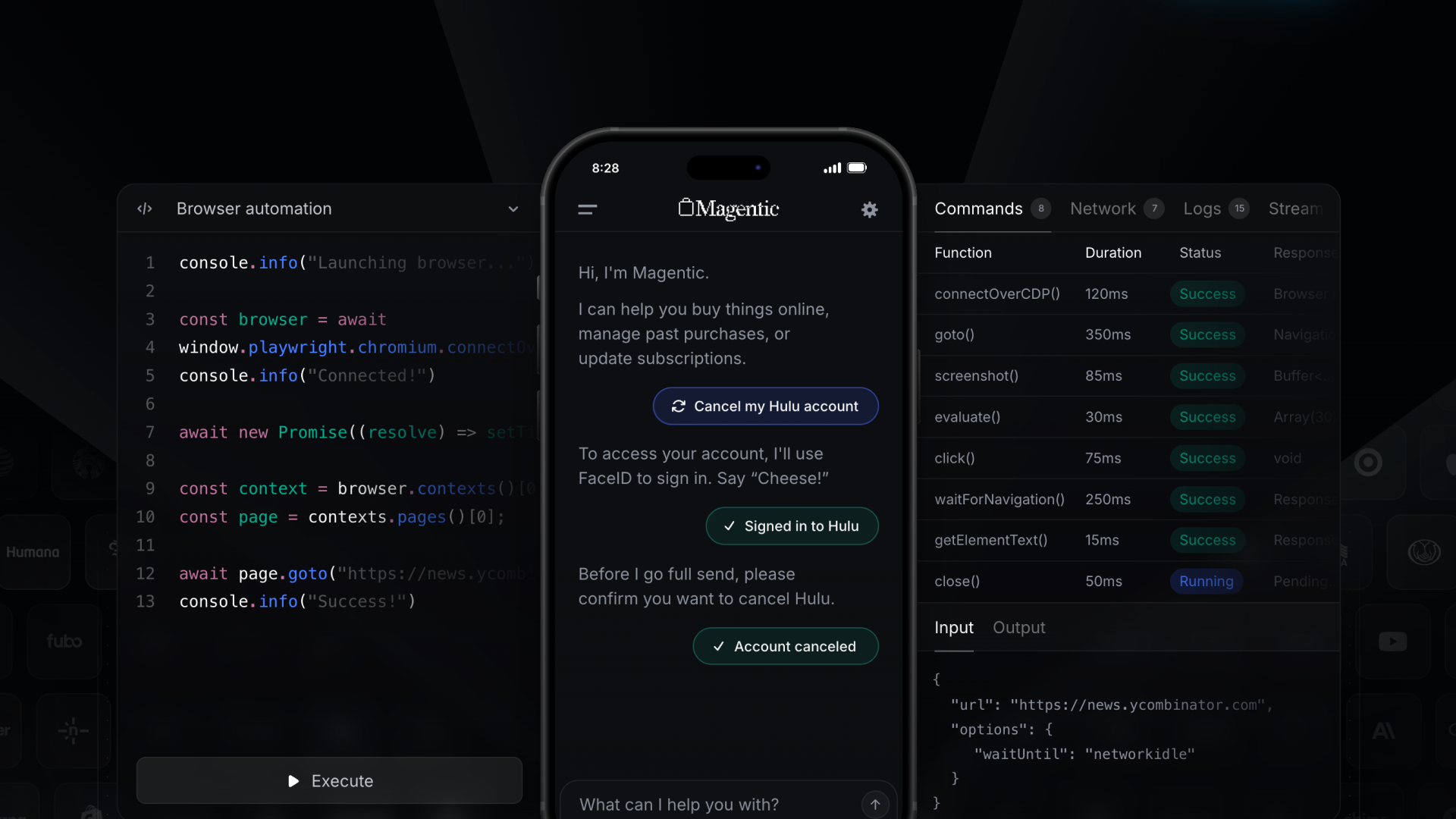 ## What is Uplink?
Uplink is a **mobile device automation platform** that lets you control real mobile browsers programmatically. Think Puppeteer or Playwright, but for iOS and Android devices.
With Uplink, you can:
* Build AI agents that interact with mobile apps
* Automate workflows in authenticated mobile sessions
* Extract data from mobile-optimized websites
* Test on real devices without emulators
## Get started
Jump right in and set up your first automation in minutes.
Get started with Uplink in 5 minutes
## Learn the basics
Understand how Uplink works and what it can do
Choose between SDK integration or the Connect app
Learn about clients, devices, browsers, and pages
Manage sessions and authentication
## API Reference
Explore the complete JavaScript SDK documentation.
Connect to sessions and manage devices
Automate browser interactions
Control mobile devices
Manage browser instances
## Quick example
```typescript theme={null}
import uplink from '@uplink-code/uplink'
// Connect to session
const session = await uplink.session('', {
include: { ecdsa: true, ecdh: true }
})
const client = await uplink.client.fromSession(session)
// Launch browser on mobile device
const browser = await client.launch()
const page = await browser.newPage()
// Automate
await page.goto('https://example.com')
await page.click('#button')
const title = await page.evaluate(() => document.title)
console.log('Title:', title)
```
## Need help?
Get help from our team
Manage sessions and devices
## What is Uplink?
Uplink is a **mobile device automation platform** that lets you control real mobile browsers programmatically. Think Puppeteer or Playwright, but for iOS and Android devices.
With Uplink, you can:
* Build AI agents that interact with mobile apps
* Automate workflows in authenticated mobile sessions
* Extract data from mobile-optimized websites
* Test on real devices without emulators
## Get started
Jump right in and set up your first automation in minutes.
Get started with Uplink in 5 minutes
## Learn the basics
Understand how Uplink works and what it can do
Choose between SDK integration or the Connect app
Learn about clients, devices, browsers, and pages
Manage sessions and authentication
## API Reference
Explore the complete JavaScript SDK documentation.
Connect to sessions and manage devices
Automate browser interactions
Control mobile devices
Manage browser instances
## Quick example
```typescript theme={null}
import uplink from '@uplink-code/uplink'
// Connect to session
const session = await uplink.session('', {
include: { ecdsa: true, ecdh: true }
})
const client = await uplink.client.fromSession(session)
// Launch browser on mobile device
const browser = await client.launch()
const page = await browser.newPage()
// Automate
await page.goto('https://example.com')
await page.click('#button')
const title = await page.evaluate(() => document.title)
console.log('Title:', title)
```
## Need help?
Get help from our team
Manage sessions and devices